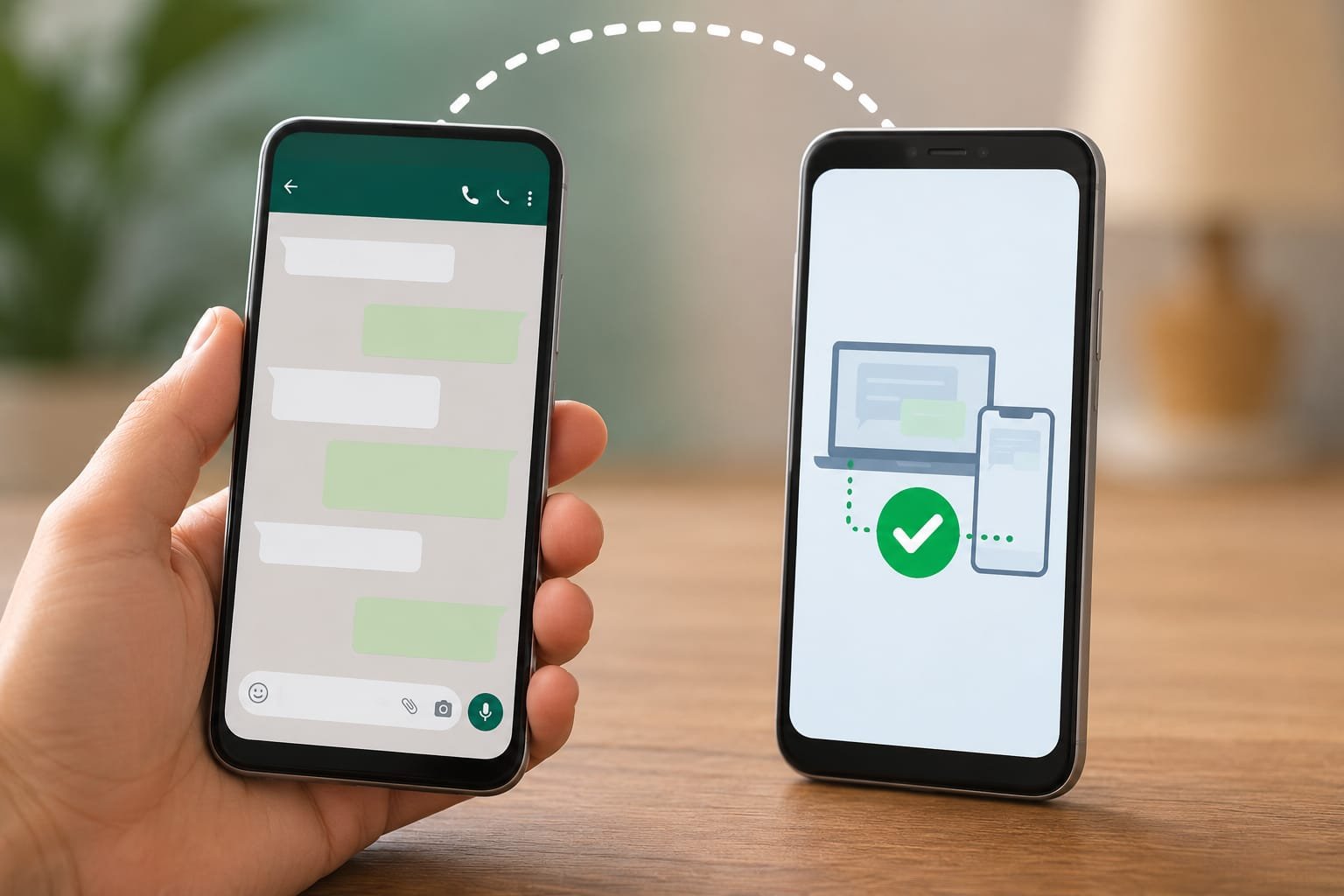
Want to use your WhatsApp account on two phones at the same time? The good news is that WhatsApp now officially supports this feature through Companion Mode, allowing you to link another phone to your primary WhatsApp account without needing third-party apps.
Whether you have a second smartphone for work, travel, or personal use, linking WhatsApp to another phone is simple, secure, and completely free. In this complete guide, you’ll learn how to connect WhatsApp to another device, what the requirements are, and how to fix common issues.
What Does It Mean to Link WhatsApp to Another Phone?
Linking WhatsApp to another phone allows you to use the same WhatsApp account on two smartphones simultaneously. Your chats, media, and settings stay synchronized across all linked devices.
Unlike the old method that required one phone to remain constantly online, WhatsApp’s latest multi-device technology lets linked phones work more independently while maintaining end-to-end encryption.
Requirements Before You Start
Before linking WhatsApp to another phone, make sure you have:
- A primary phone with your WhatsApp account already active.
- A second Android or iPhone.
- The latest version of WhatsApp installed on both devices.
- A stable internet connection.
- Access to your primary phone during the setup process.
How to Link WhatsApp to Another Phone
Follow these simple steps to connect your account.
Step 1: Install WhatsApp on the Second Phone
Download and install the latest version of WhatsApp from your device’s official app store.
Open WhatsApp after installation.
Step 2: Choose Link to Existing Account
Instead of entering your phone number, look for the option to Link to Existing Account.
WhatsApp will display a QR code on the second phone.
Step 3: Open WhatsApp on Your Primary Phone
On your main phone:
- Open WhatsApp.
- Tap the three-dot menu (Android) or Settings (iPhone).
- Select Linked Devices.
- Tap Link a Device.
Your phone’s camera will open.
Step 4: Scan the QR Code
Use your primary phone to scan the QR code displayed on the second phone.
Within a few moments, WhatsApp will synchronize your chats and messages.
Your account is now active on both phones.
What Can You Do After Linking?
Once the setup is complete, you can:
- Send and receive messages.
- Make voice and video calls.
- Share photos and videos.
- Receive notifications on both phones.
- Access chats from either device.
- Continue conversations even if you switch phones.
Everything stays synchronized automatically whenever the devices connect to the internet.
Is It Safe to Link WhatsApp to Another Phone?
Yes. WhatsApp uses end-to-end encryption, meaning only you and the person you’re communicating with can read your messages.
Linked devices are protected by the same security standards as your primary phone.
For additional protection:
- Enable two-step verification.
- Lock your phone with a PIN, fingerprint, or Face ID.
- Regularly review your linked devices.
Common Problems and Solutions
QR Code Not Scanning
Try these fixes:
- Clean both camera lenses.
- Increase screen brightness.
- Hold the phone steady.
- Update WhatsApp on both devices.
Chats Are Not Syncing
If messages aren’t appearing:
- Check your internet connection.
- Wait a few minutes for synchronization.
- Restart WhatsApp.
- Restart both phones if necessary.
Link Option Is Missing
If you cannot find Link to Existing Account, you’re probably using an outdated version of WhatsApp.
Update the app to the latest version and try again.
Benefits of Linking WhatsApp to Another Phone
Using WhatsApp on multiple phones offers several advantages:
- Manage work and personal devices easily.
- Continue conversations without switching phones.
- Stay connected while traveling.
- Convenient for business owners and professionals.
- Secure and officially supported by WhatsApp.
Tips for the Best Experience
To enjoy smooth performance:
- Keep WhatsApp updated.
- Use a reliable internet connection.
- Avoid unofficial or modified WhatsApp versions.
- Review linked devices periodically and remove any you no longer use.
- Enable automatic backups for extra peace of mind.
Frequently Asked Questions
Can I use WhatsApp on two phones with the same number?
Yes. WhatsApp officially allows one account to be linked to multiple companion devices, including another phone.
Does the primary phone always need to stay online?
No. Linked devices can continue working independently for extended periods, although they should reconnect periodically to stay synchronized.
Will my chats appear on both phones?
Yes. Existing and new chats are synchronized securely across linked devices.
Is Companion Mode free?
Yes. This feature is built into WhatsApp and is available at no additional cost.
Conclusion
Linking WhatsApp to another phone has never been easier. Thanks to WhatsApp’s official Companion Mode, you can securely use the same account on two smartphones without relying on third-party apps or risky workarounds.
Apply